The Animation Studio
How a scene comes together
Every scene in Pickles & Friends and Pip's Bible Stories starts as a story on a page and ends up as dozens of short clips, each one built, checked, and edited by hand. I mix and match whatever tools do each job best at the time. Lately that's been Seedream for images and DaVinci Resolve for editing, and it keeps changing as the tools do.
Made by me, with AI tools as part of my kit.
One scene, start to finish*
A simplified walk-through:
- Story"Scene 3: Pickles hears a rustle in the leaves."What does Pickles want, and what gets in the way?
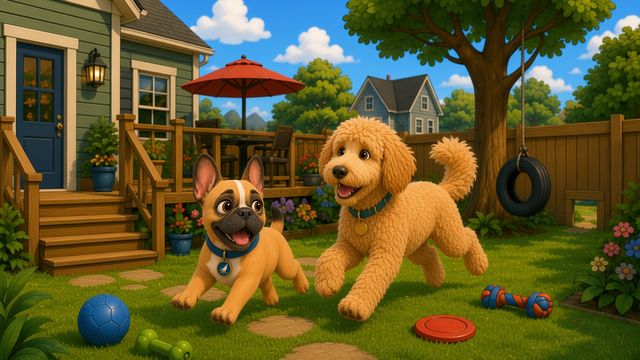
- Character art"Pickles, curious face, backyard."The characters and set are designed once, so every shot matches.
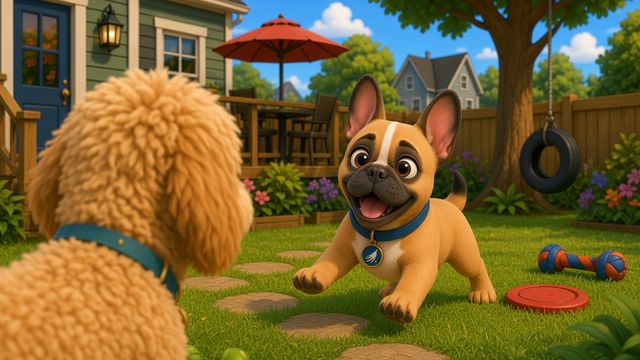
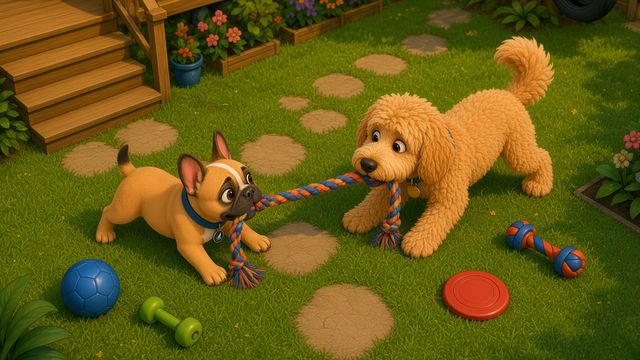
- Shots"Shot 3.1 wide: the yard. Shot 3.2 close-up: Pickles' ears perk up. Shot 3.3: leaves rustle."Shots run as long as the moment needs.
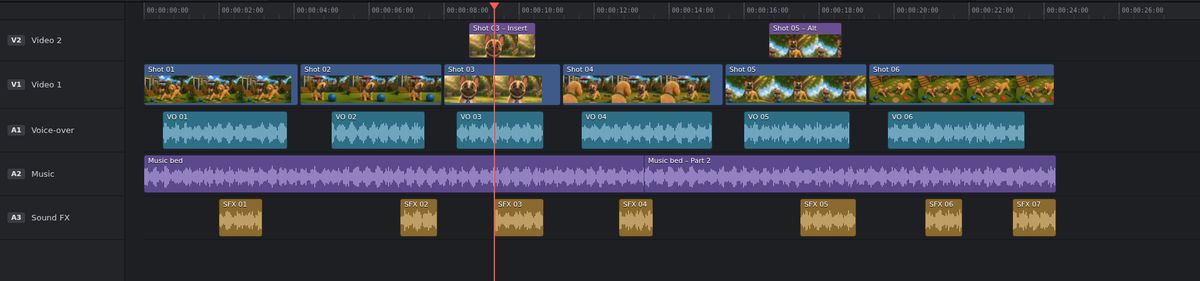
- Edit"Cut 3, rough."Clips get trimmed, paced, and stitched into a scene.
- Music and voice"Cut 3, final."Voices, music, and sound effects are timed to the edit.
Pickles & Friends
Pip's Bible Stories
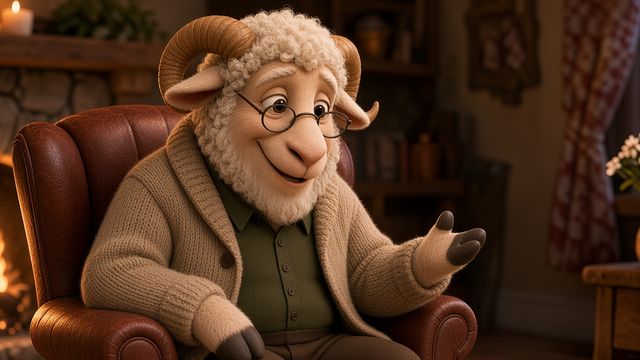
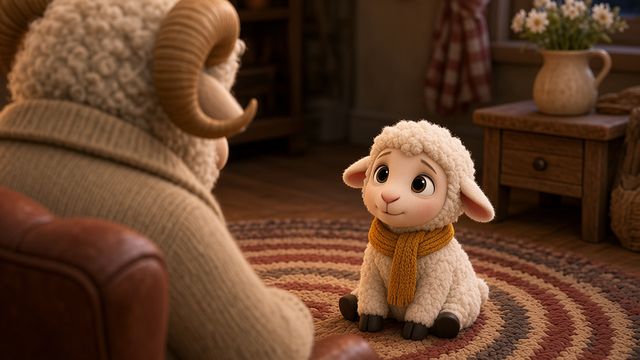
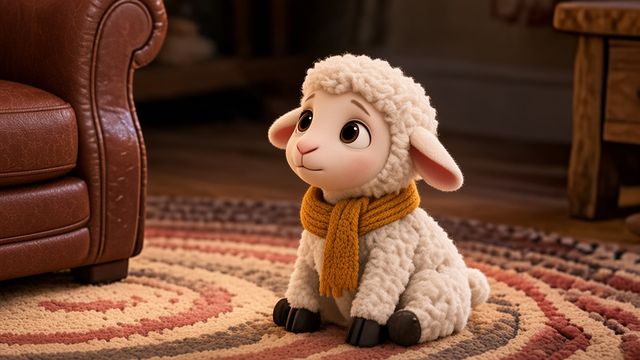
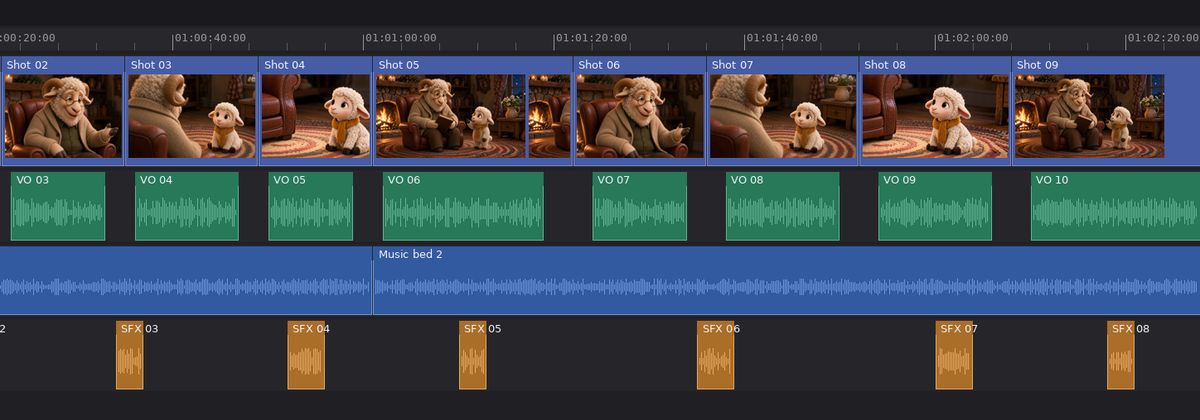
* Scene labels, shot thumbnails, and the edit timeline are made-up examples to show the workflow.
A thank-you
A big shout-out to my pal Grok Bot, who's been a wonderful help on this whole project, from shaping stories to keeping every shot organized.
What this shows about my skills
- Creative direction from page to finished scene
- Keeping characters and style consistent across many shots
- Picking the right tool for each job, and changing when something better comes along
- Patience and craft: many hands-on hours behind every minute
What I enjoy about it
Figuring out what really works, then sharing it. I love that one independent creator can now make animation that used to take a whole studio.